TikTok
With Cube you can export and publish videos directly to TikTok accounts you have access too.
Getting started
Each user will need to authenticate Cube to upload files to the on their behalf. This is done through your account settings:
Setup integration
Before continuing, please read how to connect external platforms:
Connecting Accounts→Caption
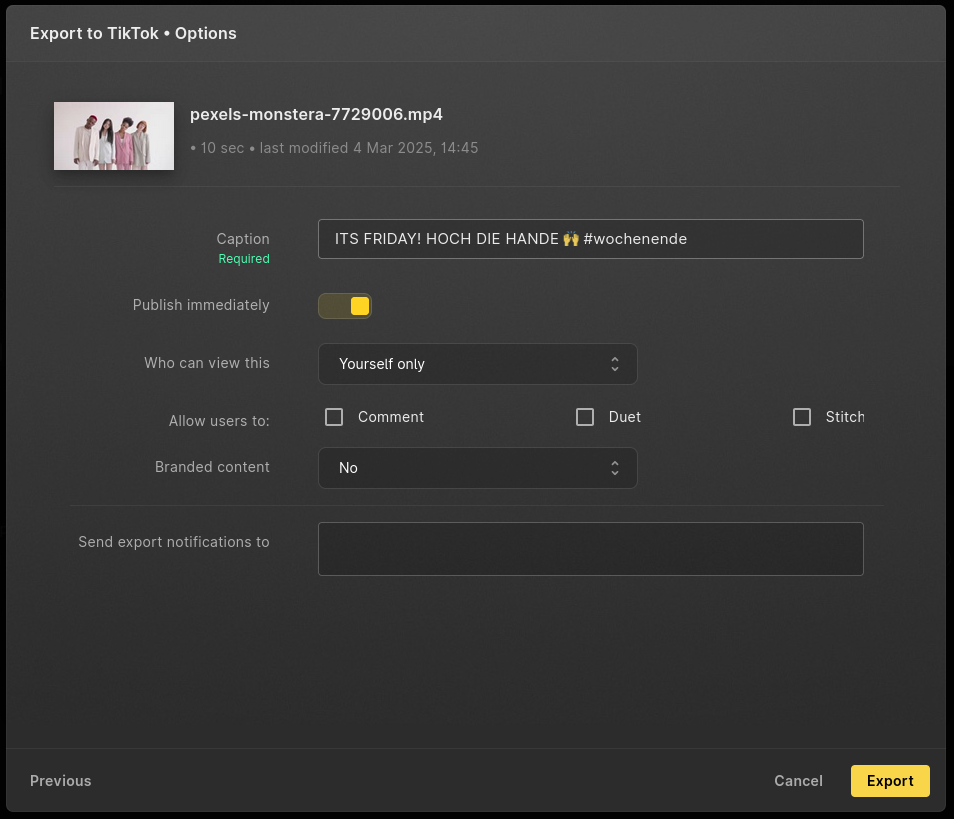
You can enter the desired caption that will appear on the video in TikTok. This is the caption that users in TikTok will see, feel free to add 🔥 emojis, @ mentions and # tags to your liking
Publish immediately
You can turn Publish immediately on. Once the video is uploaded, it is immediately available to your targetted audience.
Who can view / interact
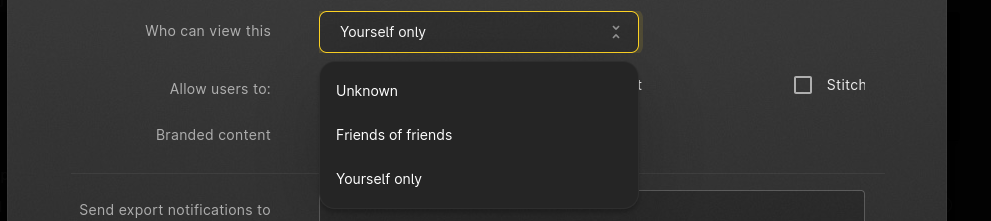 Before uploading, you have the same options as in TikTok to allow anyone, your friends (or friends of friends) or just yourself to see the video.
Next you can select what the viewers are allowed to do:
- Comment on your video
- If they can Duet your video
- Whether they can Stitch your video
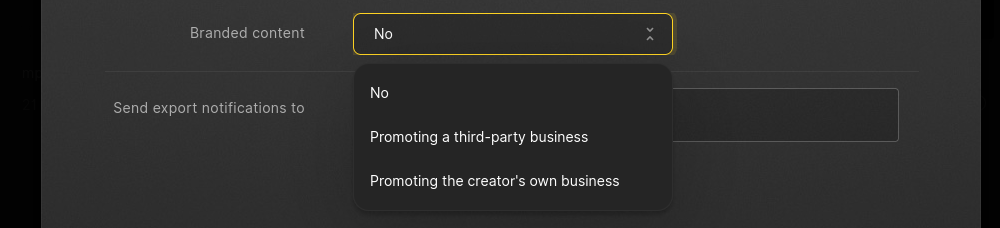
Branded Content