Managing your account
You can manage your own account in the Account Settings section.
Change your email address
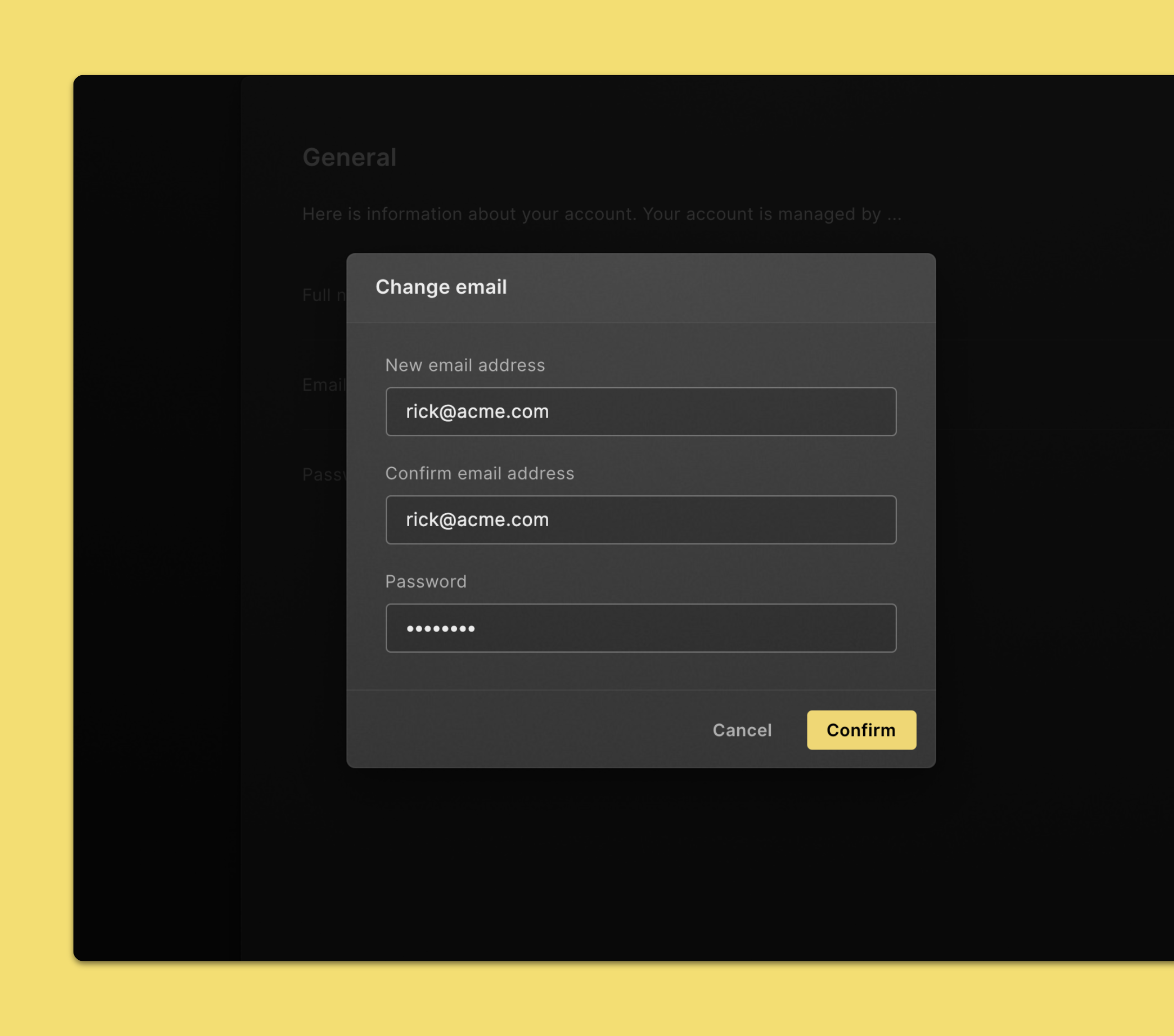
To change the email address you use to sign in to Cube, follow these steps:
- Click on your user avatar in the top right corner of the page.
- Click Account settings.
- Click Edit next to your email address.
- Enter your new email address.
- Enter your password. We do this as an added security measure.
- Click Confirm.
- You’ll receive an email at your new email address. Click the link to complete this process.
Change your password
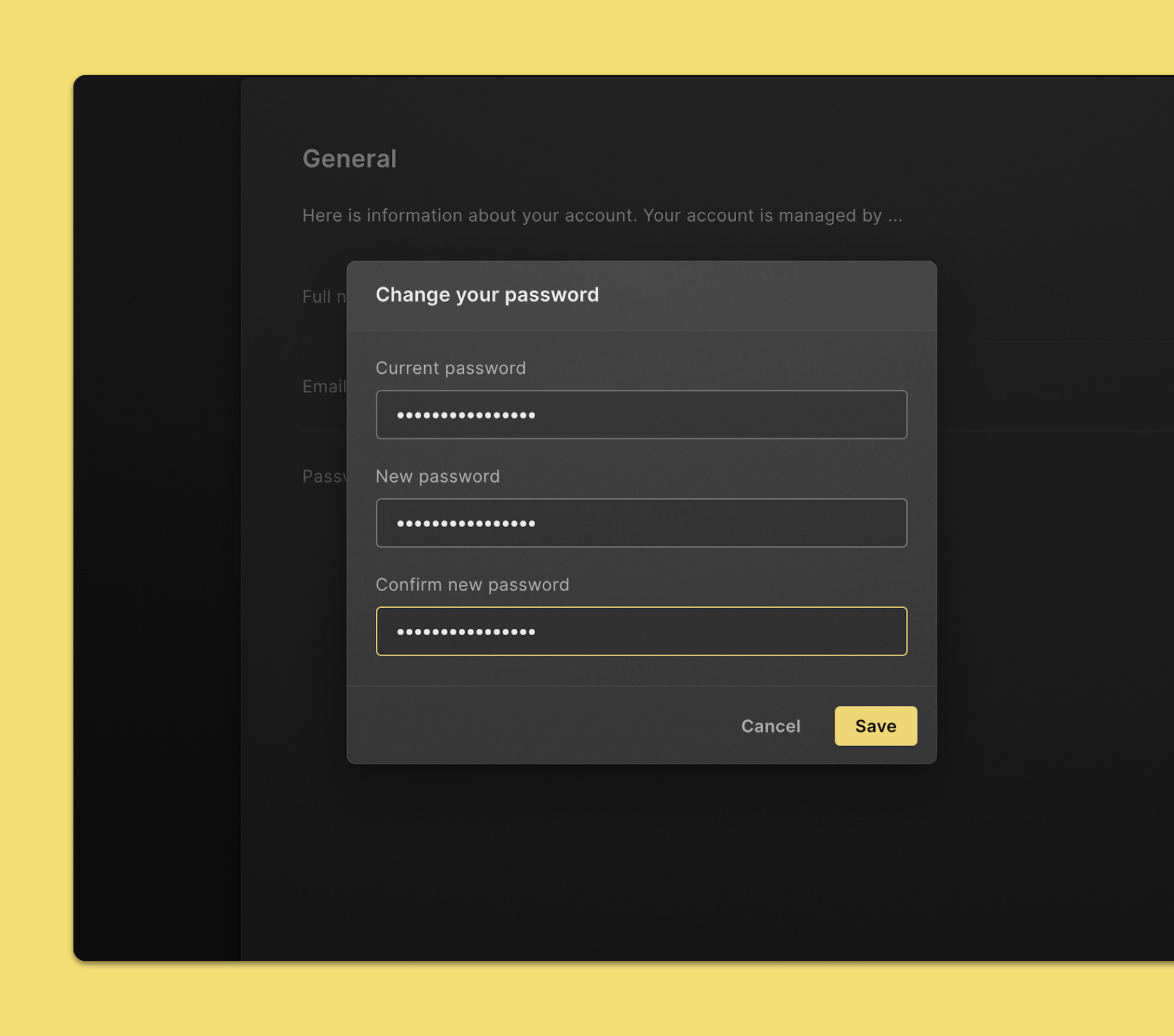
Follow these steps to change your password:
- Click on your user avatar in the top right corner of the page.
- Click Account settings.
- Click Editn ext to your password.
- Enter your current password. We do this as an added security measure.
- Enter your new password twice.
- Click Confirm.
Reset a forgotten or lost password
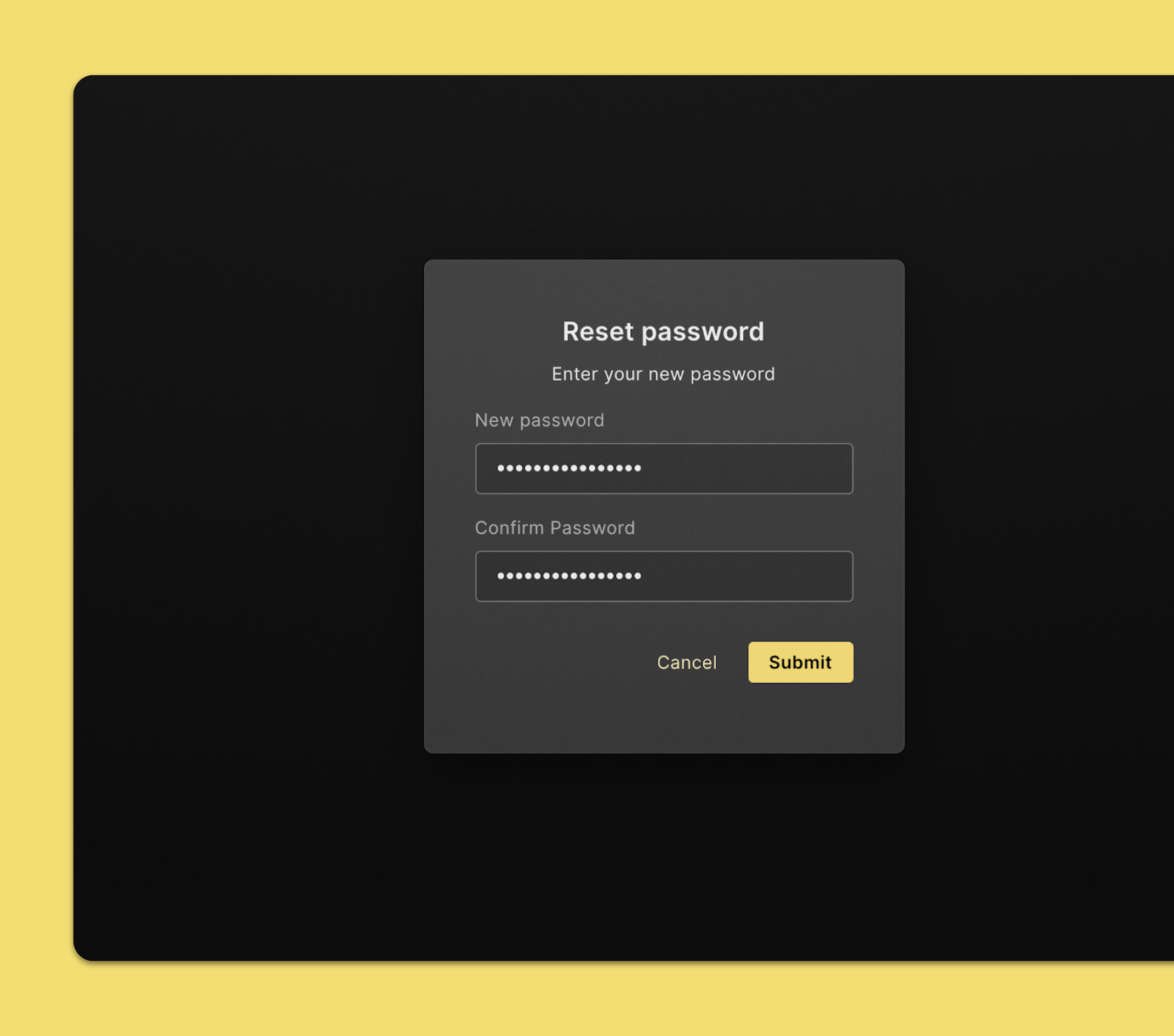
Here’s how to get back into your account if you forget your password
- In your browser, go to https://app.cube-cloud.com (opens in a new tab). Make sure you are signed out.
- Click Forget password.
- Enter the email address associated with your Cube account.
- Click Get reset link.
- You’ll receive an email at your email address. Click the link to reset your password.
- Enter your new password twice and click Submit.
Delete your account
It is not possible yet to delete your account yourself. However, your company’s Cube workspace admin can remove you from a workspace. If you really need to have your account deleted from Cube along with your personal data, your company’s workspace admin can reach out to us at support@cube-cloud.com.