Contracts
It’s important to know which licensing terms apply to your assets so you don’t risk violating them. In Cube, you can add this information using Contracts.
You can create a Contract and fill in things like validity dates and other terms. You can also link a Contract to one or multiple assets, or even an entire Project.
Create a contract
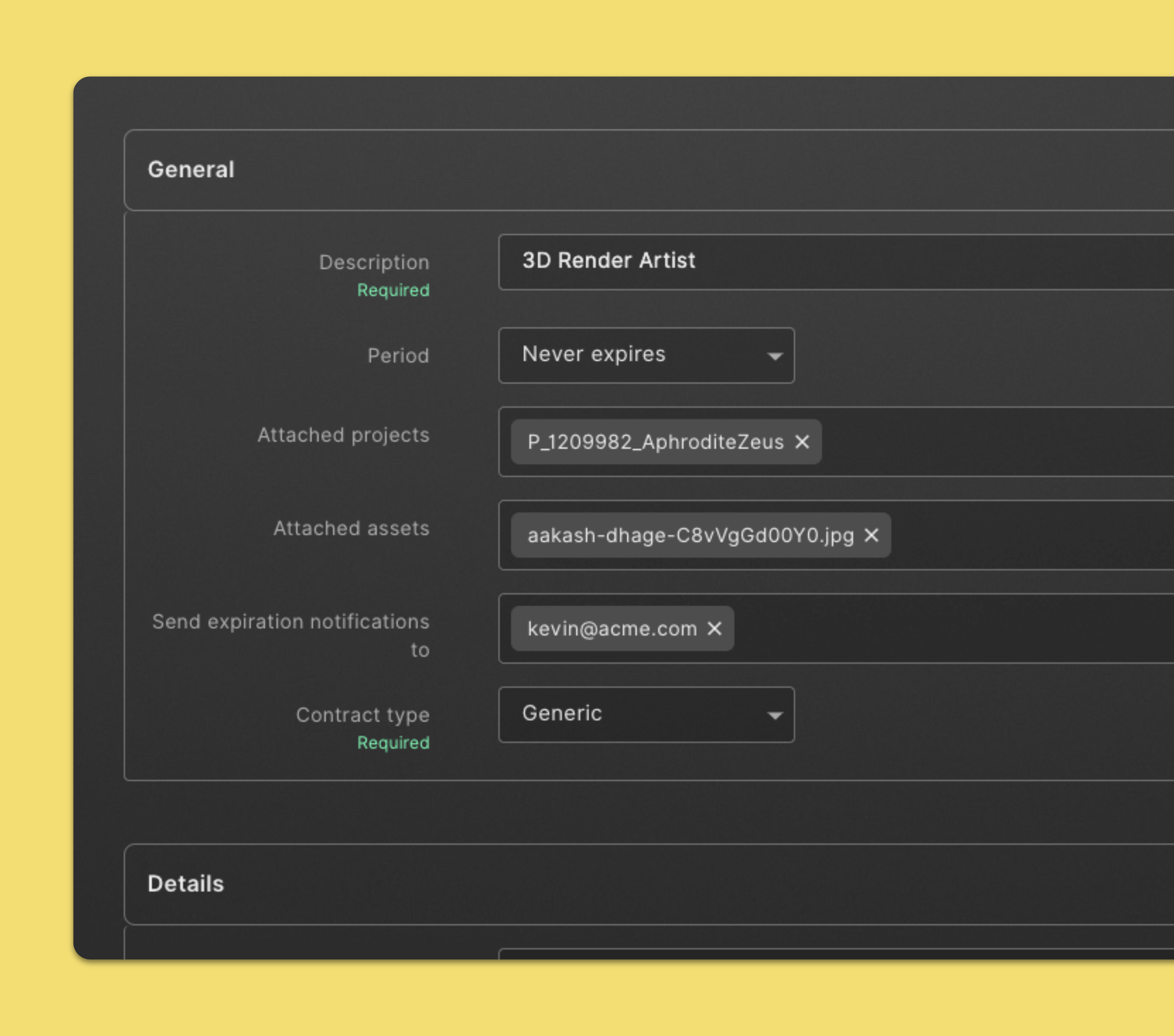
- Click Contract in the left navigation sidebar.
- Click New in the top section of the page.
- Fill in general contract information. Input for the Description and Contract type are required.
- After selecting a contract type more options will appear as contract details.
- Fill in contract details.
- When you're finished, click Save.
Edit a contract
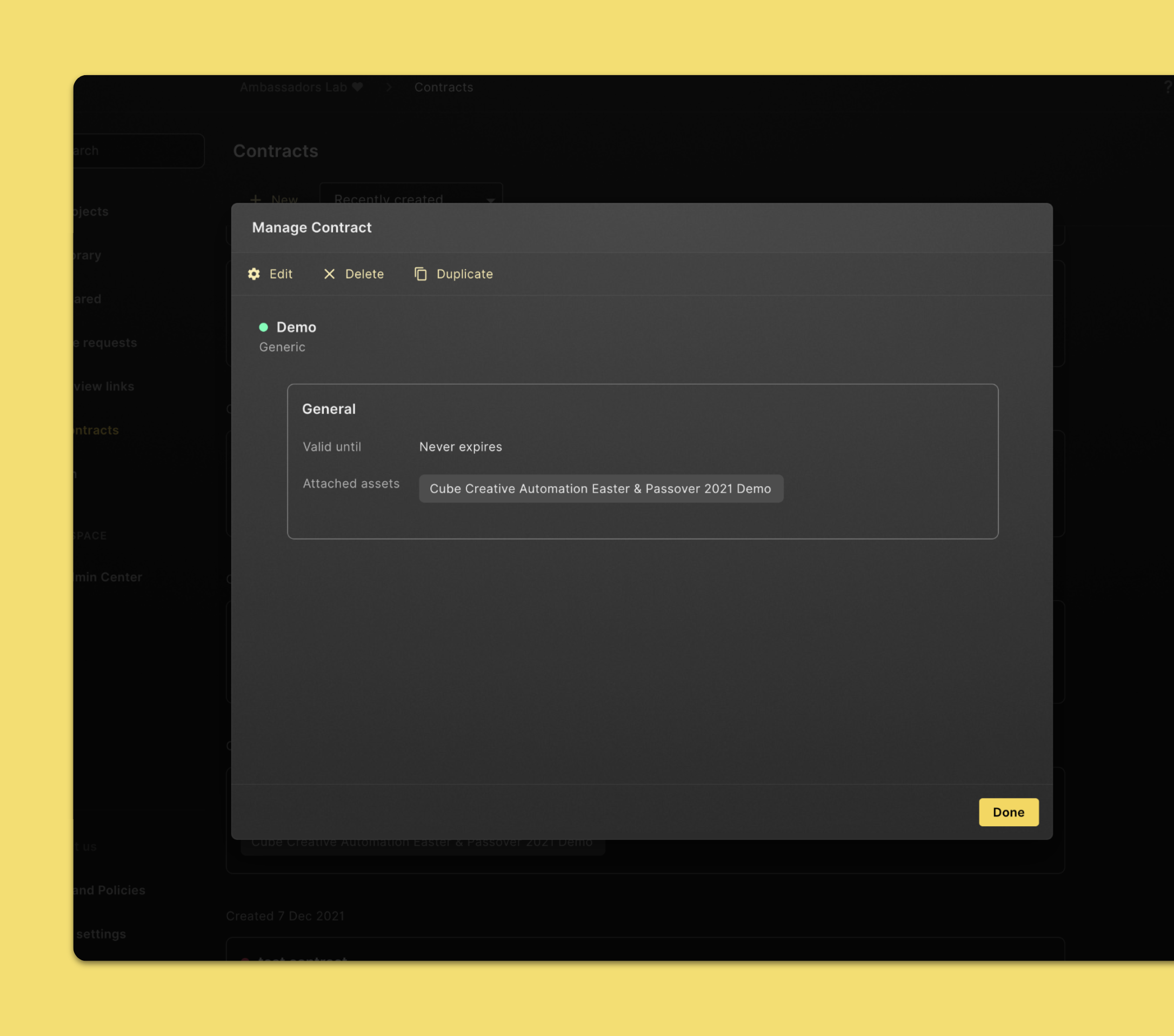
- Click Contract in the left navigation sidebar.
- Click on the contract you’d like to edit.
- Click Edit.
- Fill in or change the fields you need. Input for the Description and Contract type are required.
- When you're finished, click Save.
Attach a contract to an asset
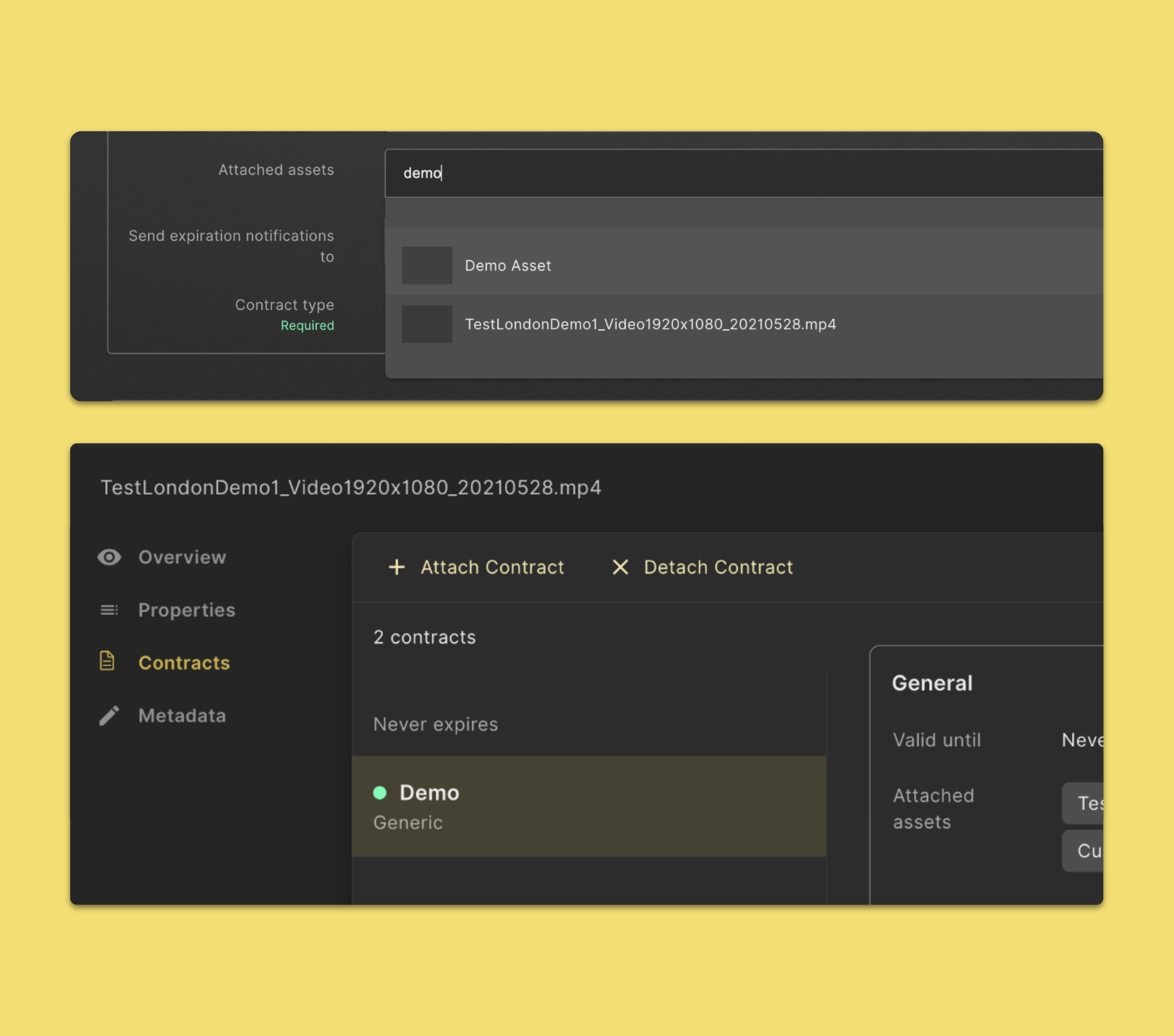
- Click Contract in the left navigation sidebar.
- Click on the contract you’d like to edit.
- Search for an asset in the Attached assets input field.
- Click on the Asset you want to attach.
- When you're finished, click Save.
You can also attach a contract to an asset in the file preview.
- Open an asset preview.
- Click on Contracts.
- Click on Attach Contract.
- You’ll get the option to Create new contract or Attach existing contract.
Detach a contract from an asset
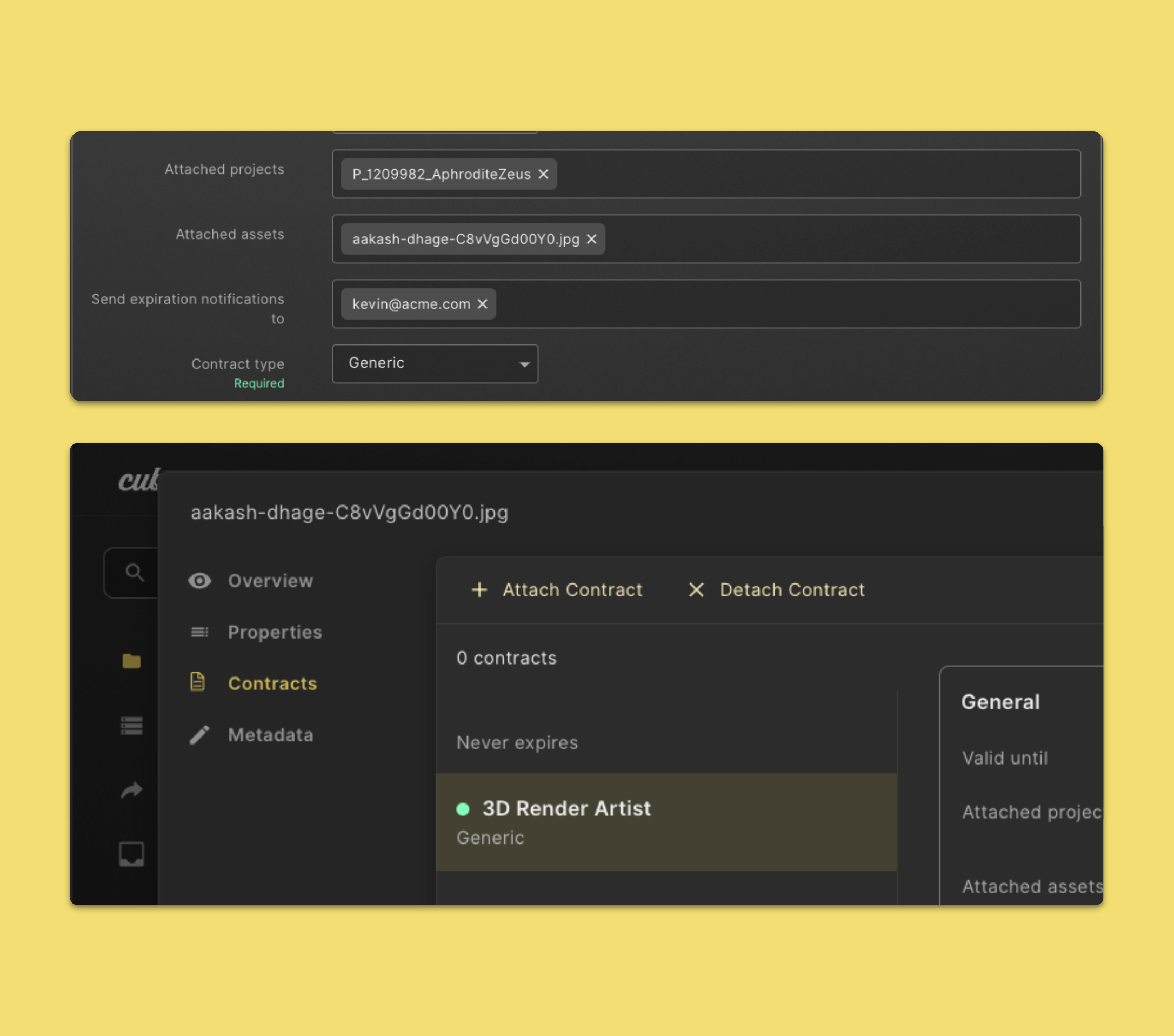
- Click Contract in the left navigation sidebar.
- Click on the contract you’d like to edit.
- In the Attached assets input field click on the x next to the asset name.
- When you're finished, click Save.
You can also detach a contract to an asset in the file preview.
- Open an asset preview.
- Click on Contracts.
- Click on Detach Contract.
- Click Detach again to confirm.
Delete a contract
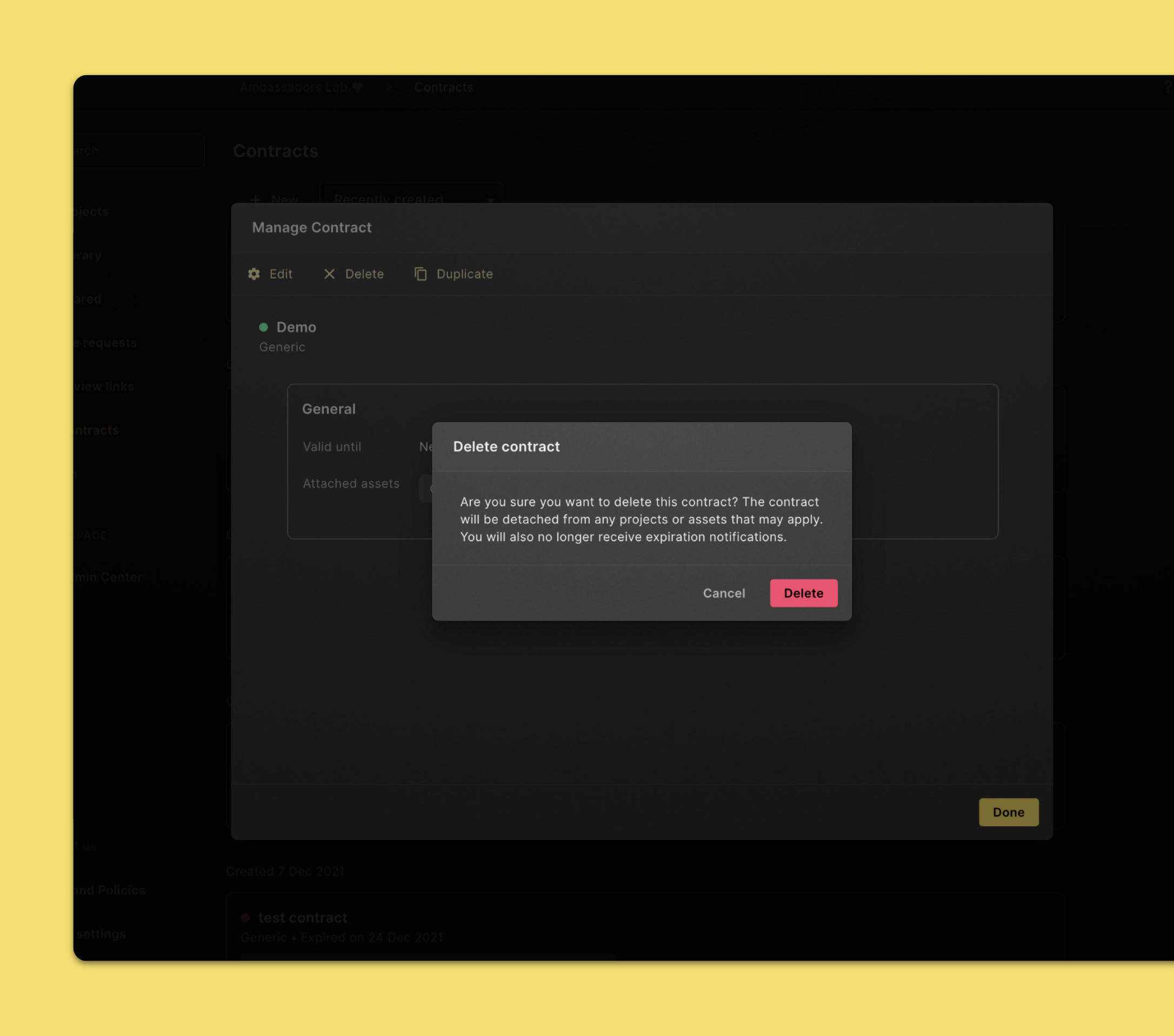
- Click Contract in the left navigation sidebar.
- Click on a contract to the contract you want to delete.
- Click Delete in the top section of the page.
- If you’re sure you can click on Delete again. The contract will be detached from any projects or assets that may apply.