Connecting Accounts
Before exporting to an external platform, you must first allow Cube to perform certain API calls on your behalf.
You can add multiple accounts to the same platform, e.g. multiple YouTube channels or multiple TikTok accounts you manage for your clients/business
Getting started
Each user will need to authenticate Cube to upload files to an external platform on their behalf. This is done through your account settings:
Setup integration
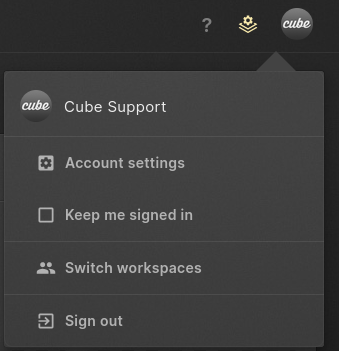
In the top-right corner, you can access your account settings by clicking on the icon with your name / avatar. Choose "Account Settings"
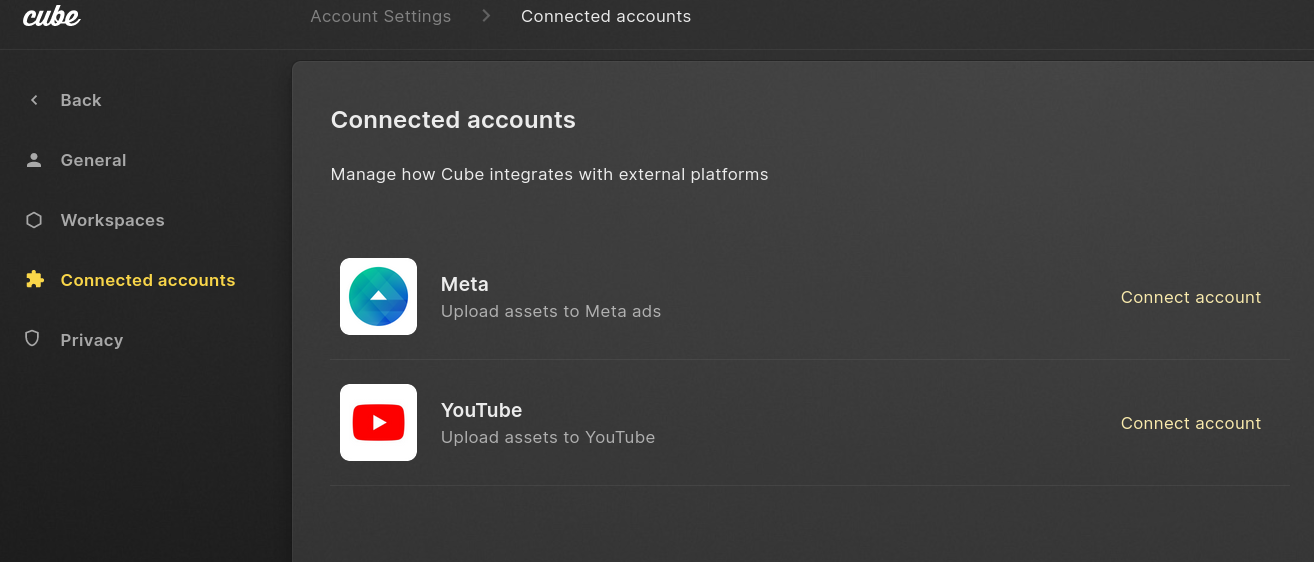
Connected Accounts
From the list of available integrations choose the platform or service you want to integrate with. This will open a new window, in which you will be asked to grant Cube access to the account.
Removing the integration
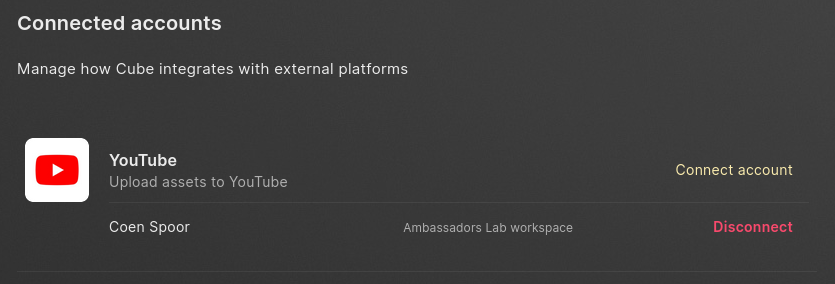
If you no longer wish to export videos from Cube, you can disconnect your account by going to your Connect Accounts (opens in a new tab)
There you can click disconnect to revoke Cube's access to your Account.
Check security settings in the external platform if you wish to revoke Cube's access from there.