Google Ads
Getting started
Each user will need to authenticate Cube to upload files to Google Ads on their behalf. From there you can use them like regular assets for creating your Google Ads
ℹ️
Please be aware, only images (including animated GIF) can be exported to Google Ads
Setup integration
Connecting Accounts→Select file(s) to export
Locate the file(s) you want to export. If you want to export multiple, select your desired files by marking the checkboxes.
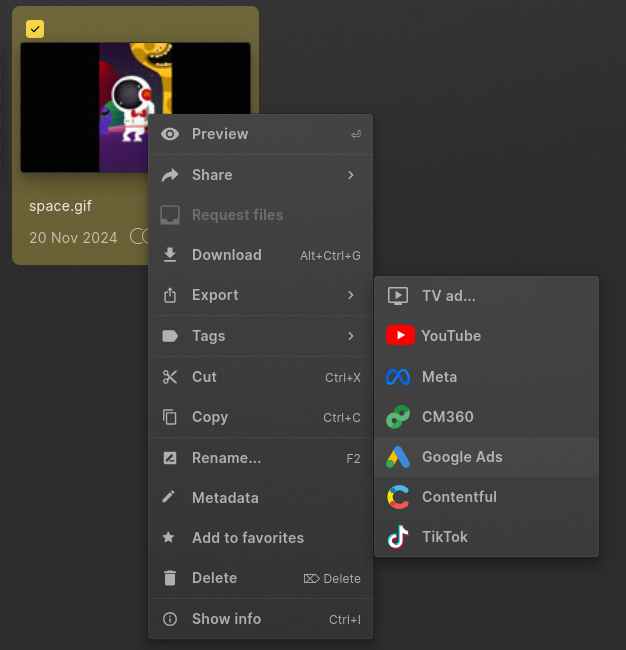
Once you have your selection, right-click to open the context-menu and select "Export > Google Ads". The same option is available in the command bar